Welcome to Xbox Home Page
 AVAILABLE WITH GAME PASS
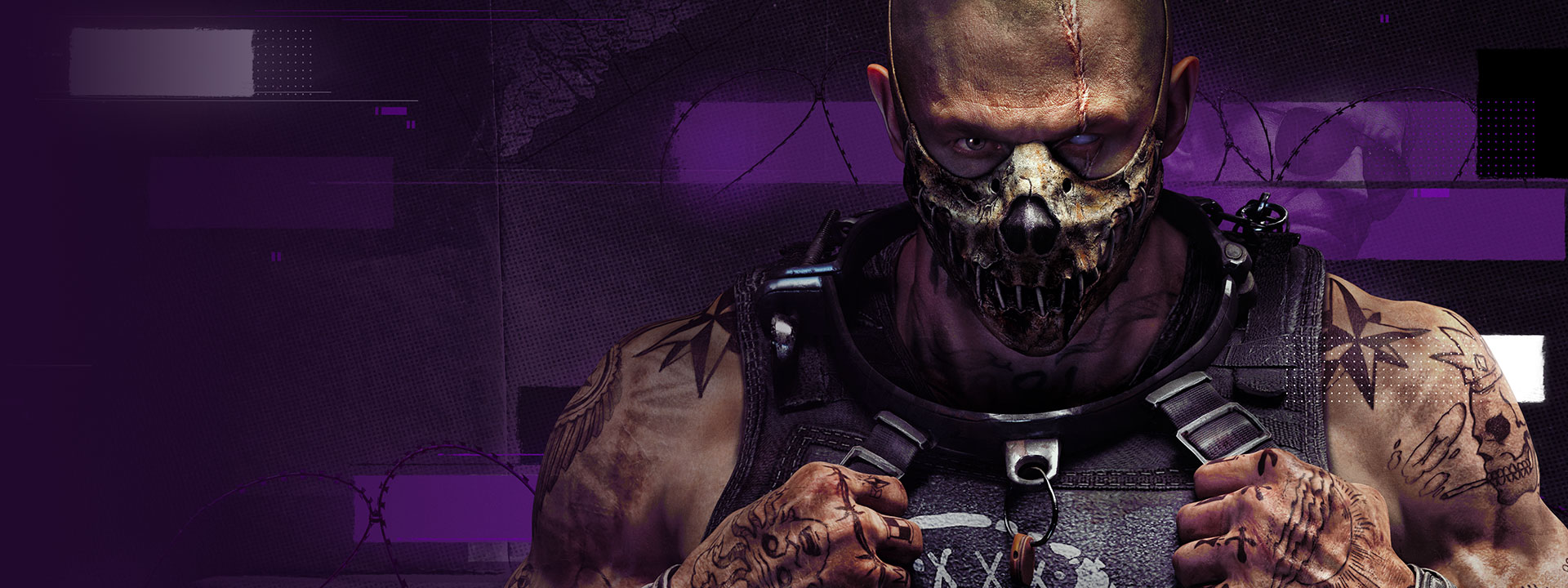
Call of Duty®: Warzone & Black Ops 6
Play Season 04 and upgrade with BlackCell for bonus content.
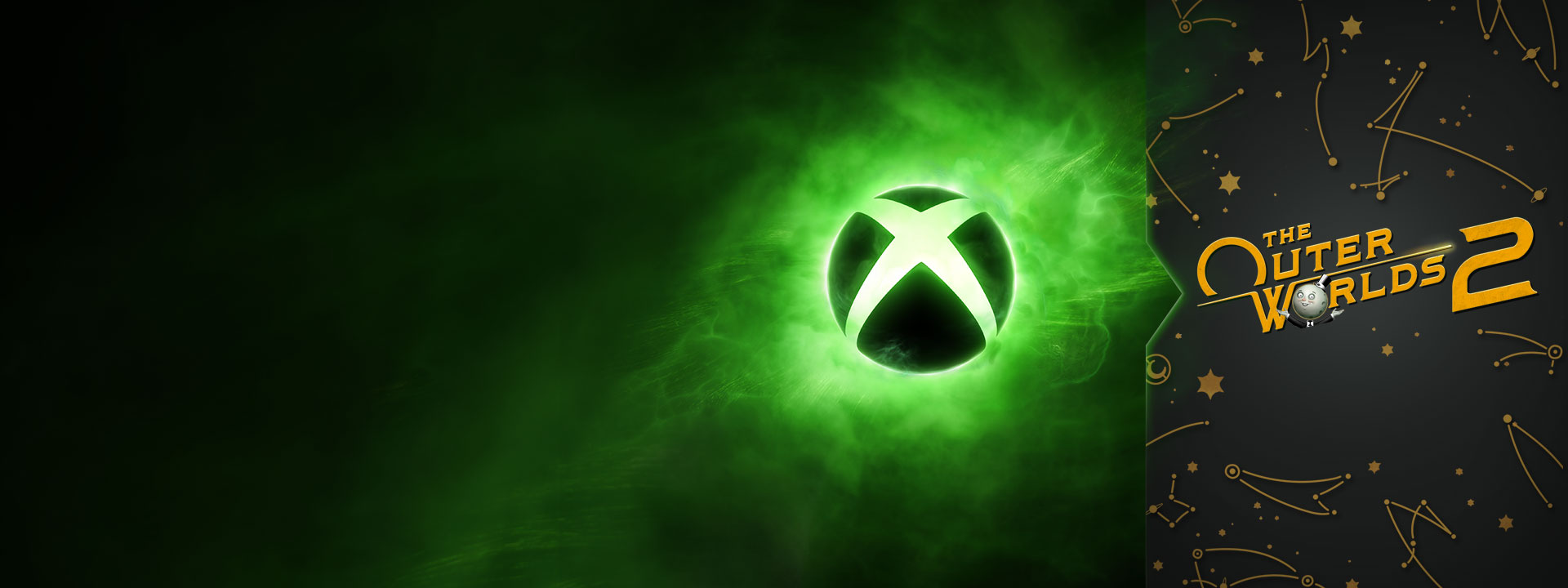
Save the date for our double feature event
Join us June 8, 10am PT - Xbox Games Showcase followed by The Outer Worlds 2 Direct.
 AVAILABLE WITH GAME PASS
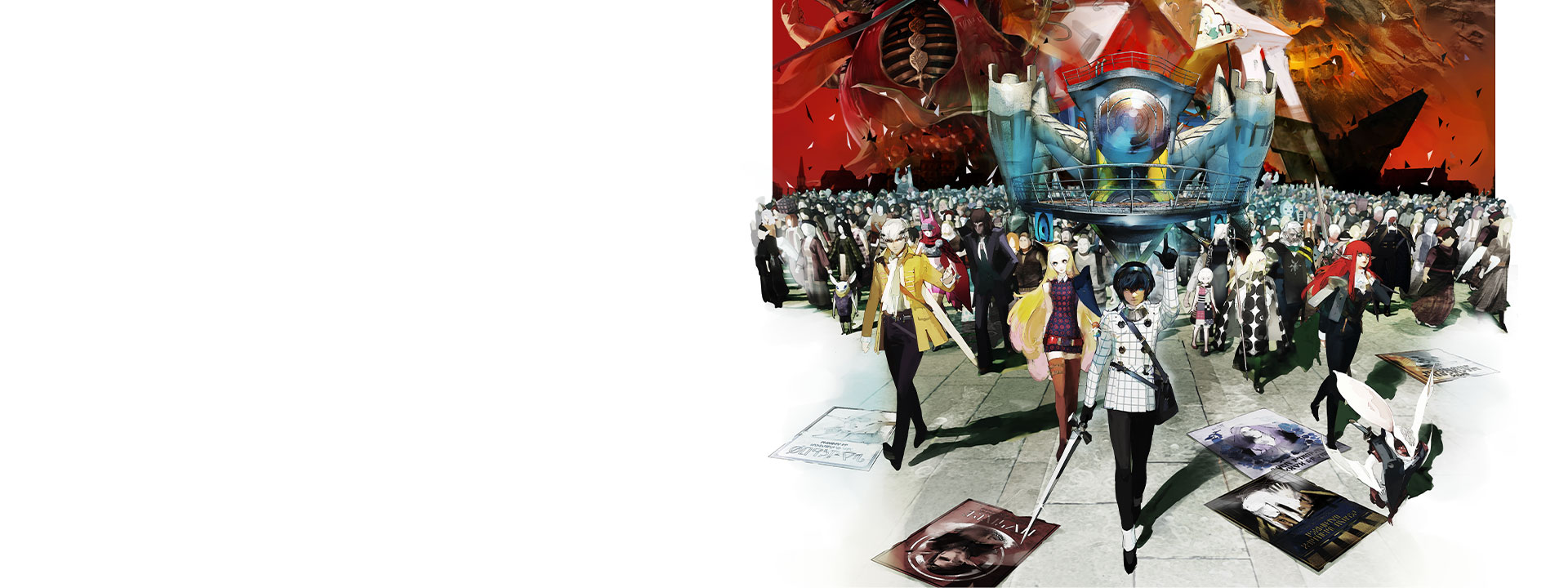
Metaphor: ReFantazio
Awaken your Archetypes with PC Game Pass or Ultimate.
 NOW AVAILABLE
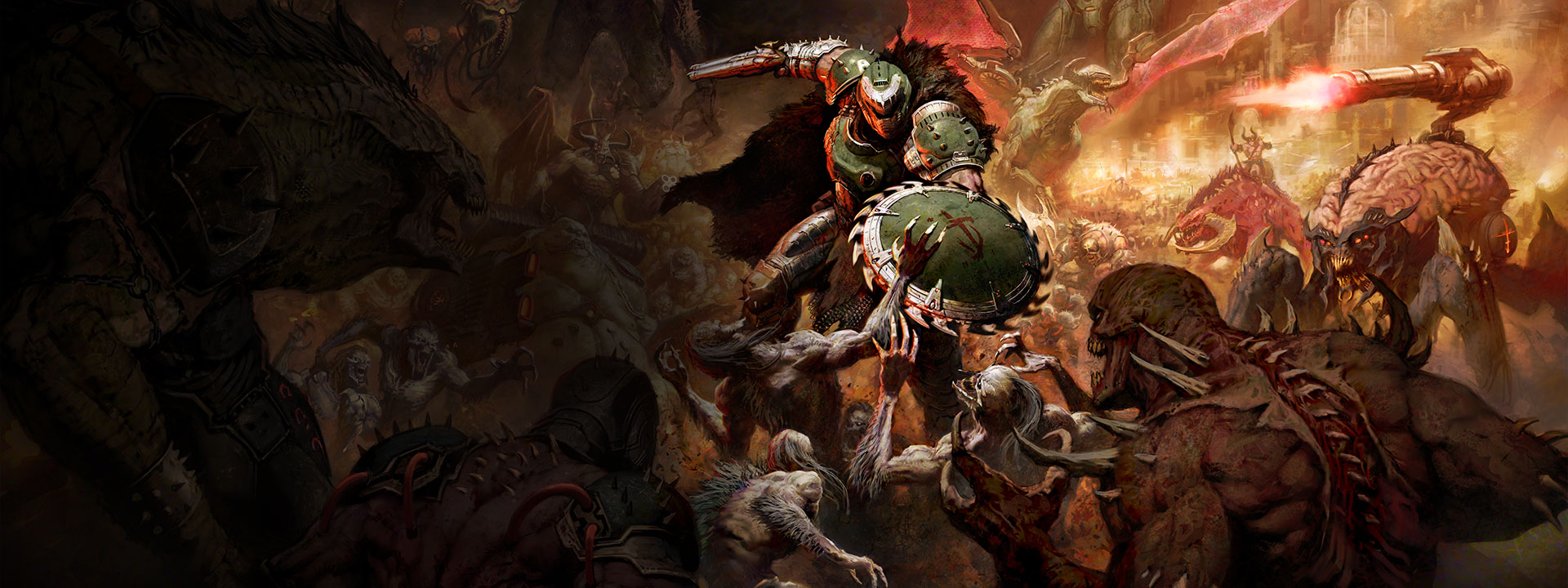
DOOM: The Dark Ages
Stand and Fight with PC Game Pass or Ultimate


-
-
Discover your next favorite game
Play new games on day one. Enjoy hundreds of high-quality games on console, PC, and cloud. Play together with friends.
JOIN NOW -
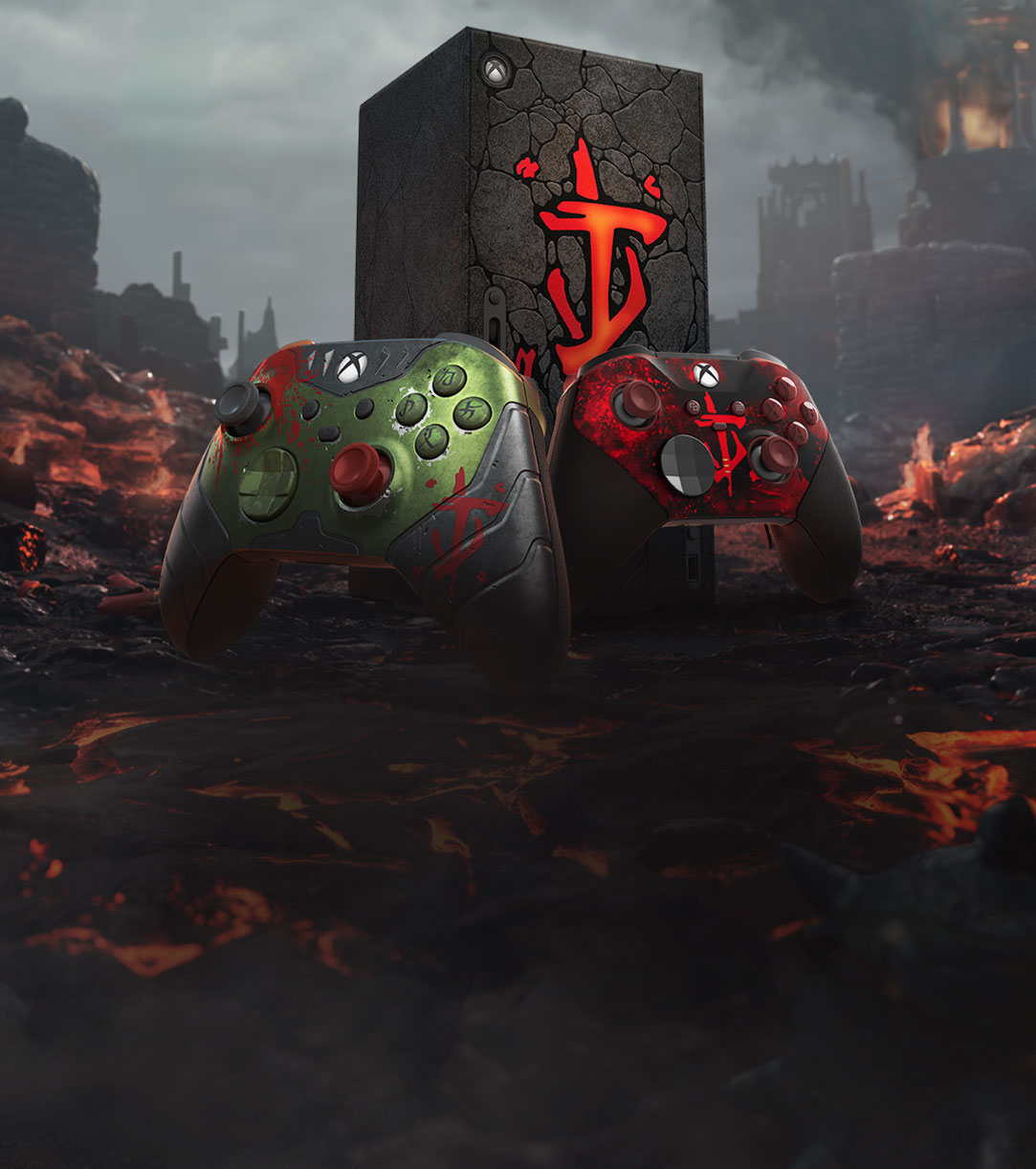
DOOM: The Dark Ages accessories collection
Arm yourself with limited edition DOOM: The Dark Ages controllers and Xbox Series X Wrap.
LEARN MORE -
-
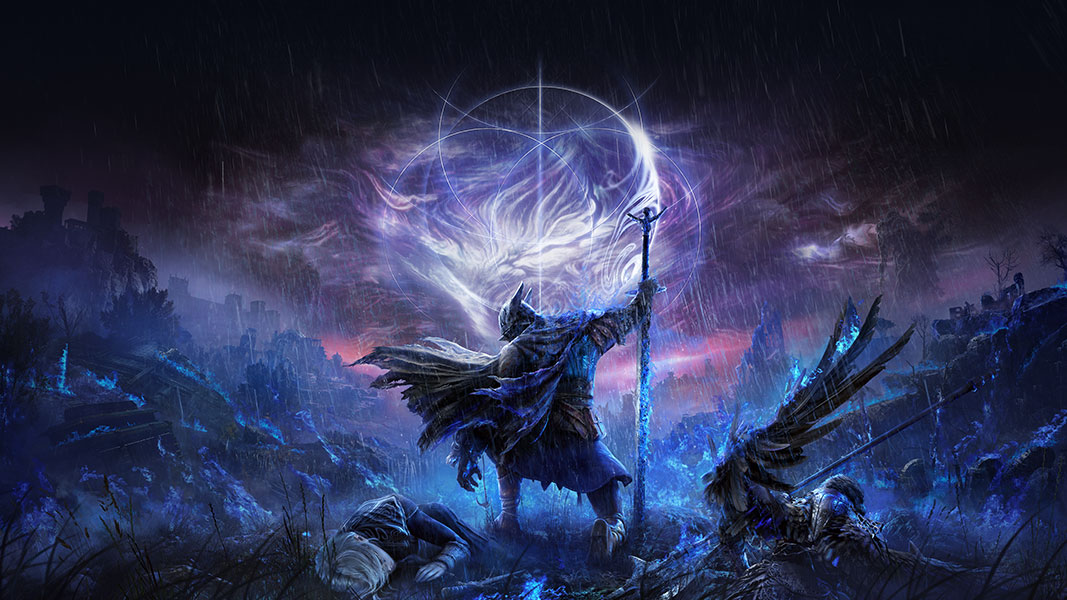 NOW AVAILABLE
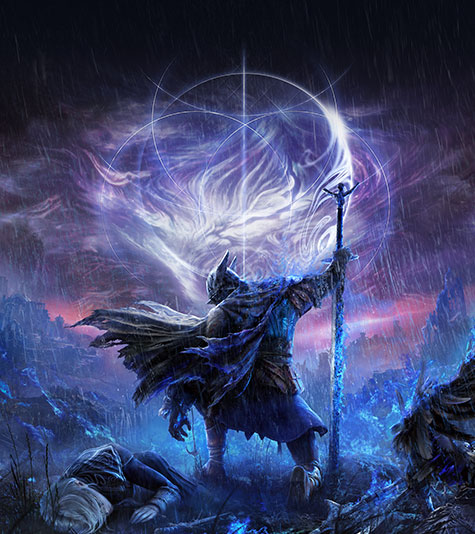
ELDEN RING NIGHTREIGN
Rise together and conquer the night in an all-new ELDEN RING adventure
GET IT NOW -
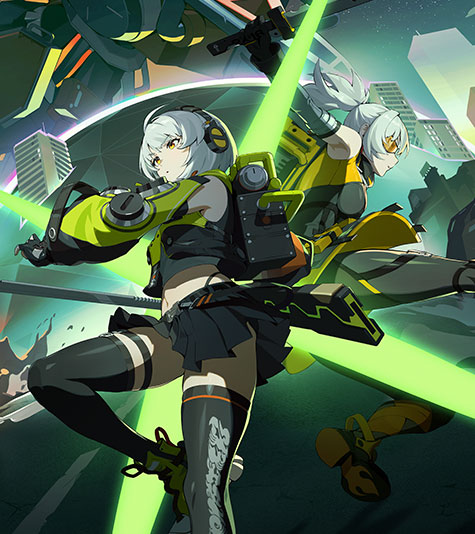
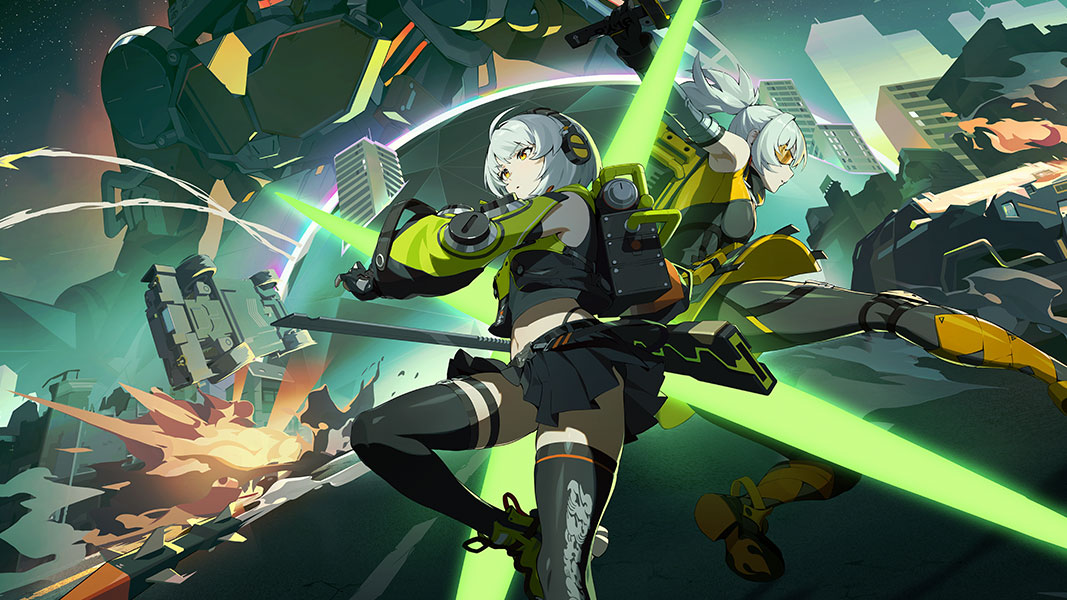 COMING TO XBOX SERIES X|S
Zenless Zone Zero
Welcome to New Eridu — where humanity rises anew
PRE-ORDER NOW -
AVAILABLE WITH GAME PASS
The Elder Scrolls IV: Oblivion™ Remastered
From the ashes, a hero shall rise
-
-
-
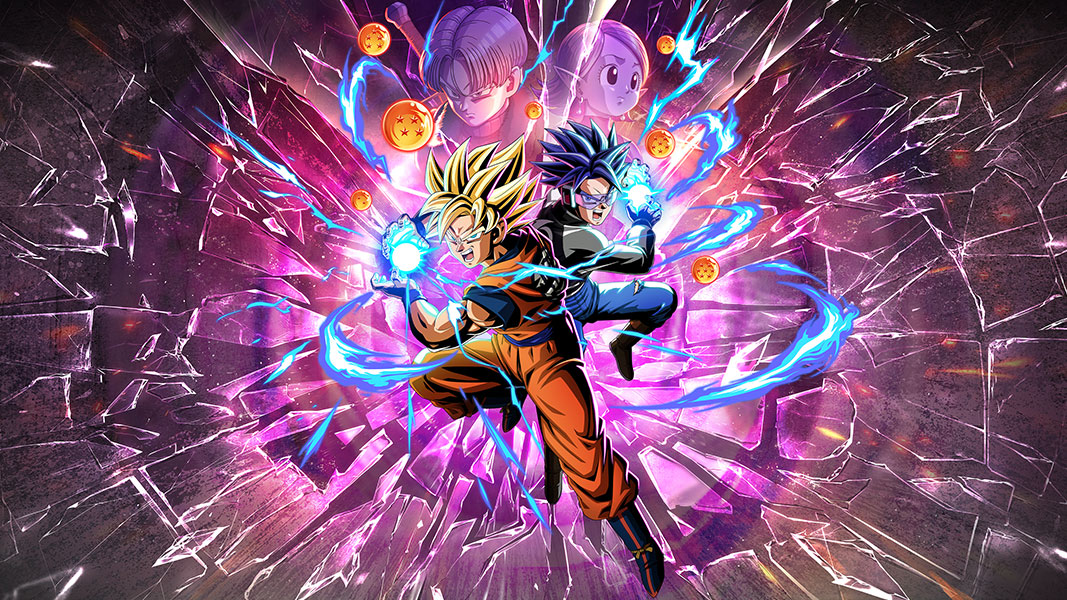 AVAILABLE WITH GAME PASS
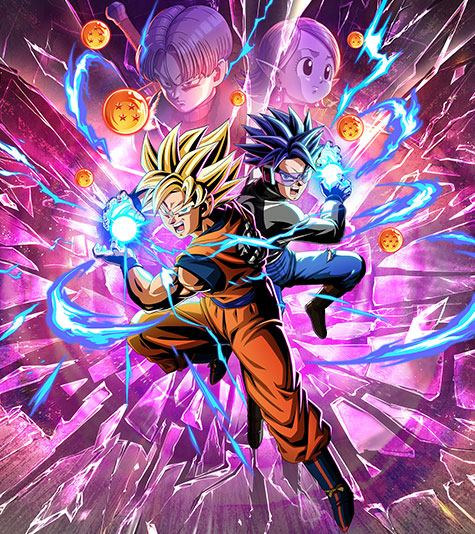
DRAGON BALL Xenoverse 2
Your story, your avatar, your DRAGON BALL world now with Game Pass.
GET IT NOW -
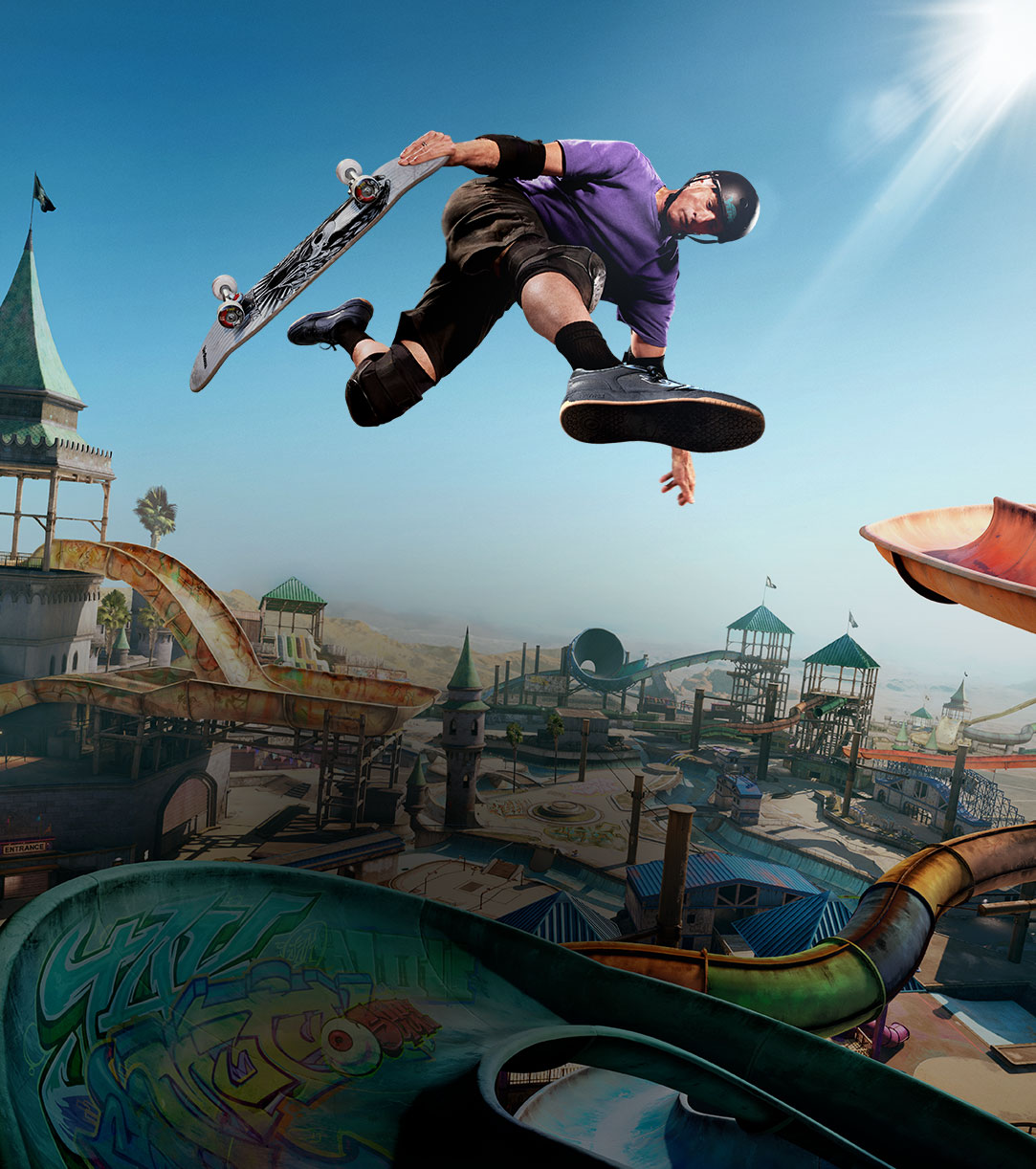 COMING TO GAME PASS
Tony Hawk's™ Pro Skater™ 3 + 4
Pre-order or play day one with Game Pass on July 11th
PRE-ORDER NOW -
 AVAILABLE WITH GAME PASS
Forza Motorsport 20th Anniversary
Experience the legendary Fujimi Kaido track, public meetups, and more.
GET IT NOW -
 NEW DLC
A Minecraft Movie DLC
Explore this and other free movie-inspired content in Marketplace
GET IT NOW -